


What is a Section?
A section is a distinct content block that forms part of a page on your Shopify store. Think of it as a “building block” used to design your page.
Sections allow you to:
- Add structured content to your pages.
- Customize layouts for specific needs.
- Rearrange and modify elements without affecting the entire page design.
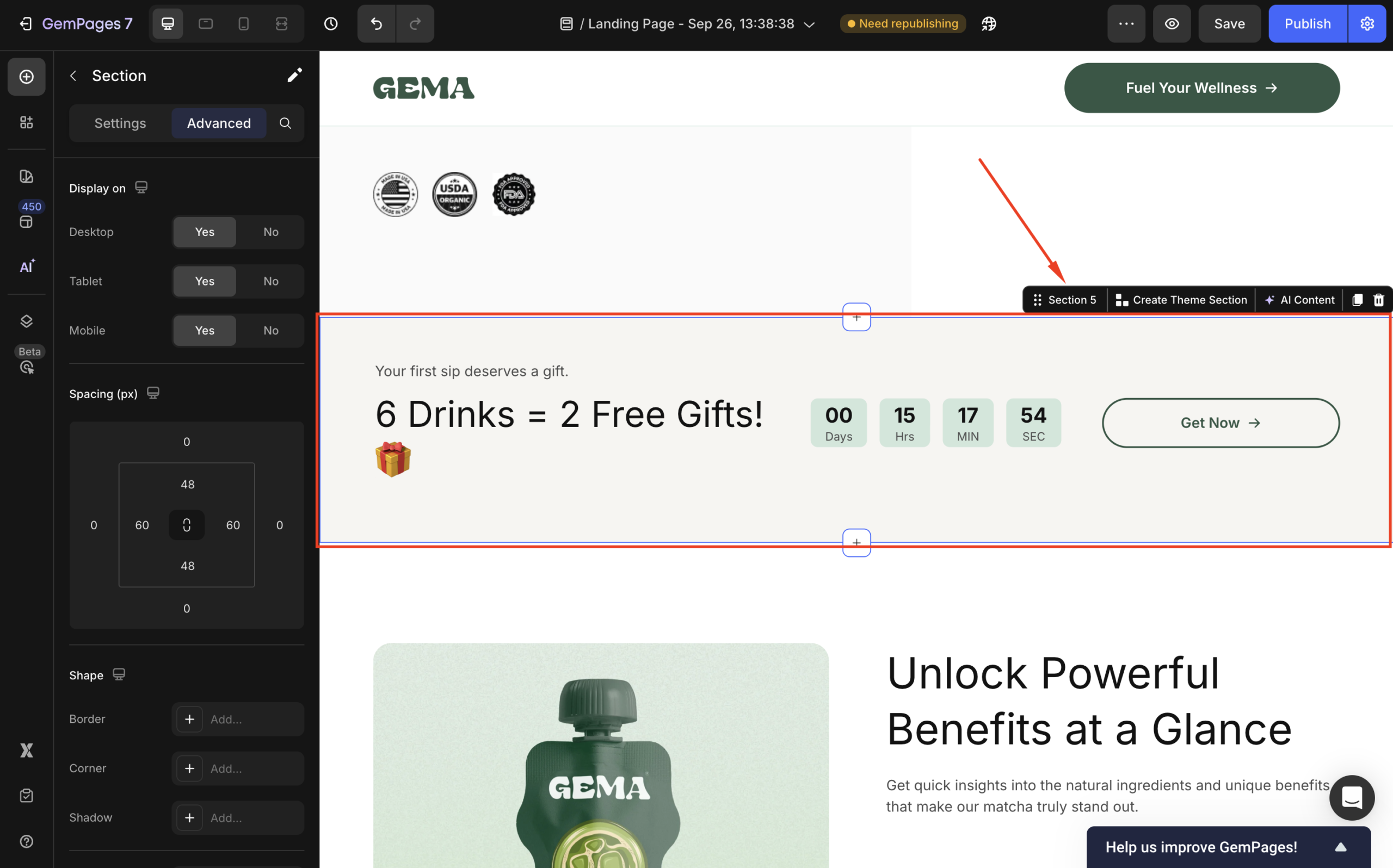
Within GemPages v7, you can design a section from scratch or select your preferred one from our pre-built sections and customize it further.
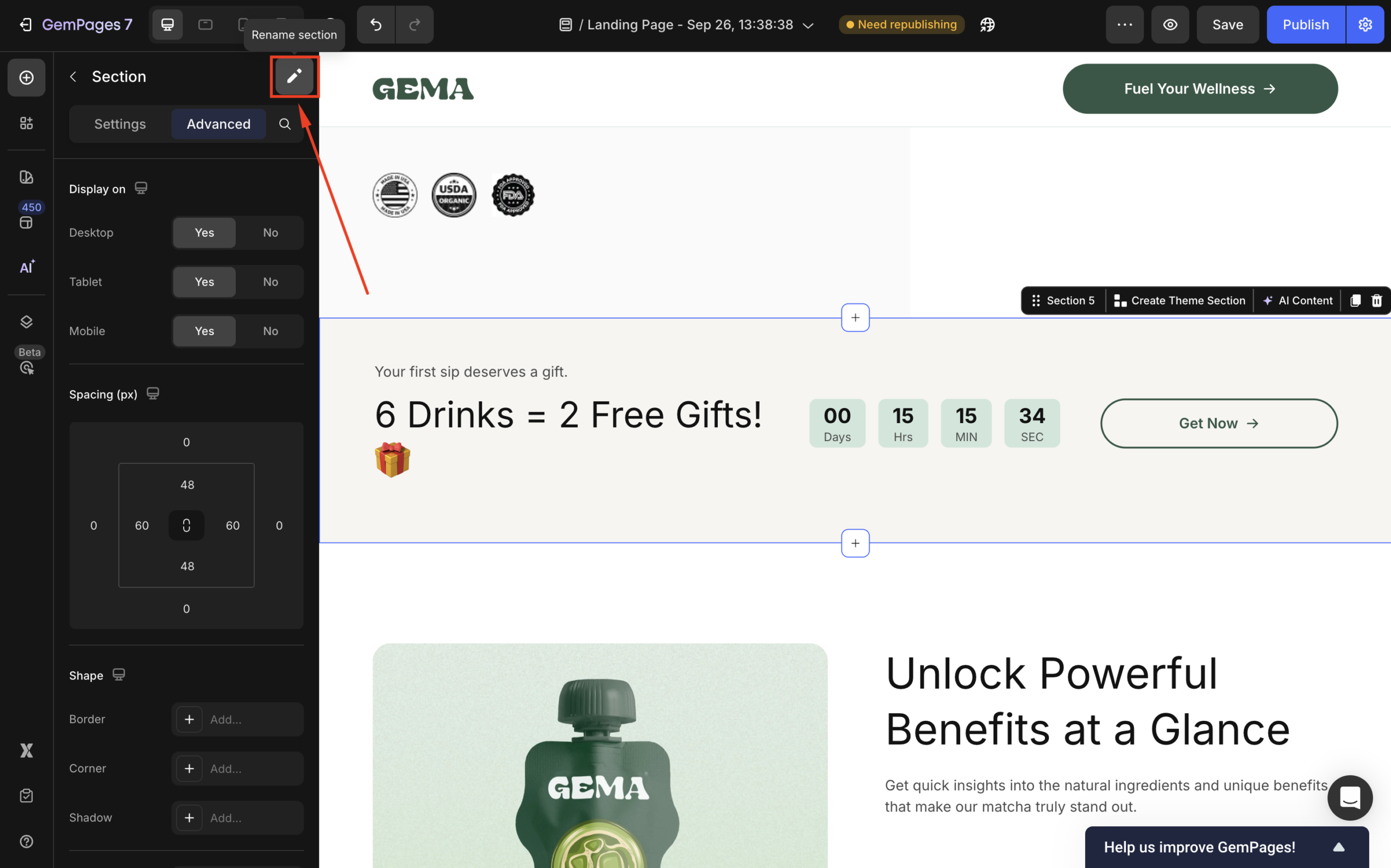
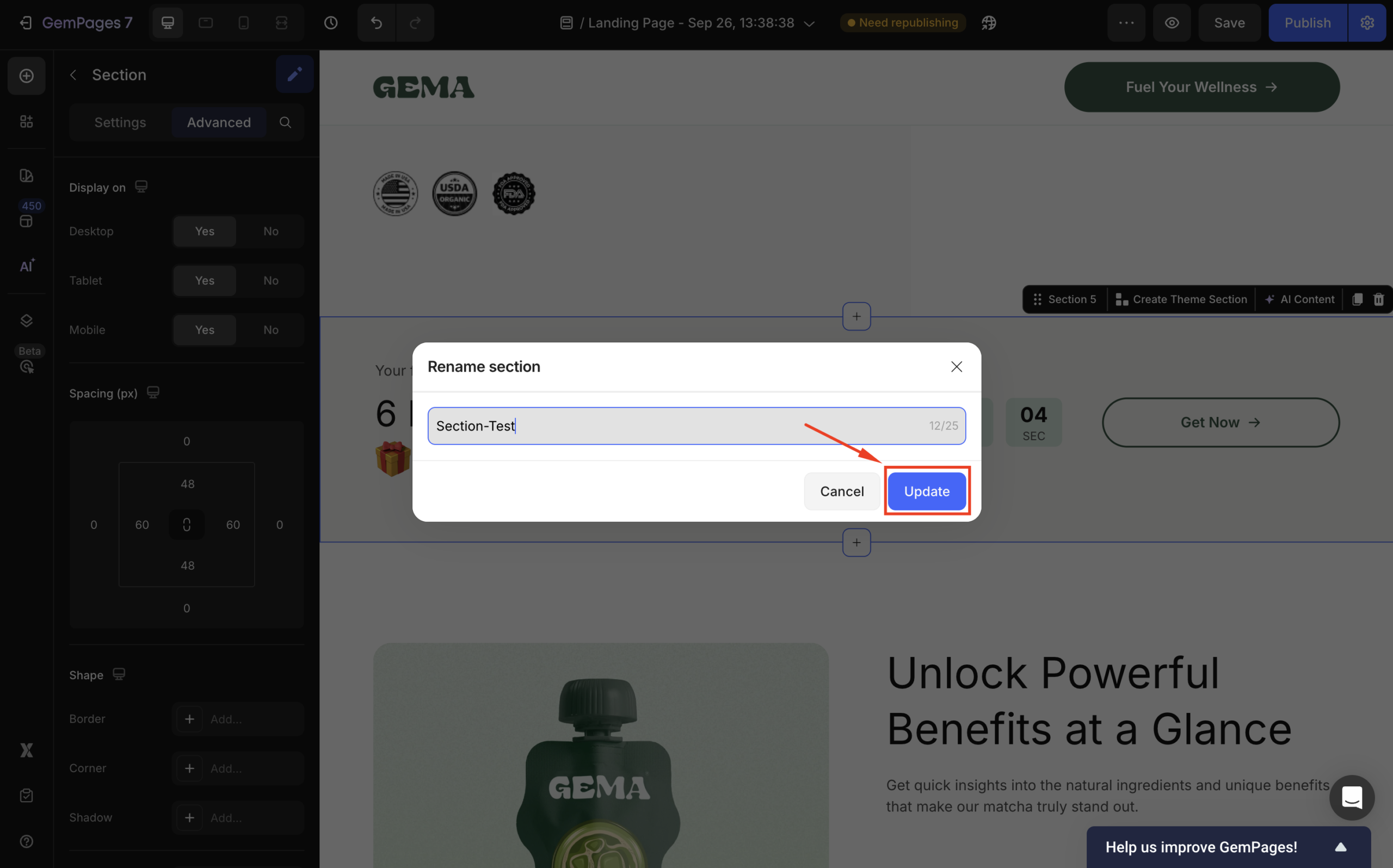
Also, you can edit the section’s name by hitting the pen icon in the left settings panel.
How Many Sections Can I Create?
Key Points to Note:
- Customization Options
Templates are flexible and can be customized by adding, removing, or rearranging sections and blocks.
Not every section has individual blocks available for customization, depending on the design.
- Section Limits
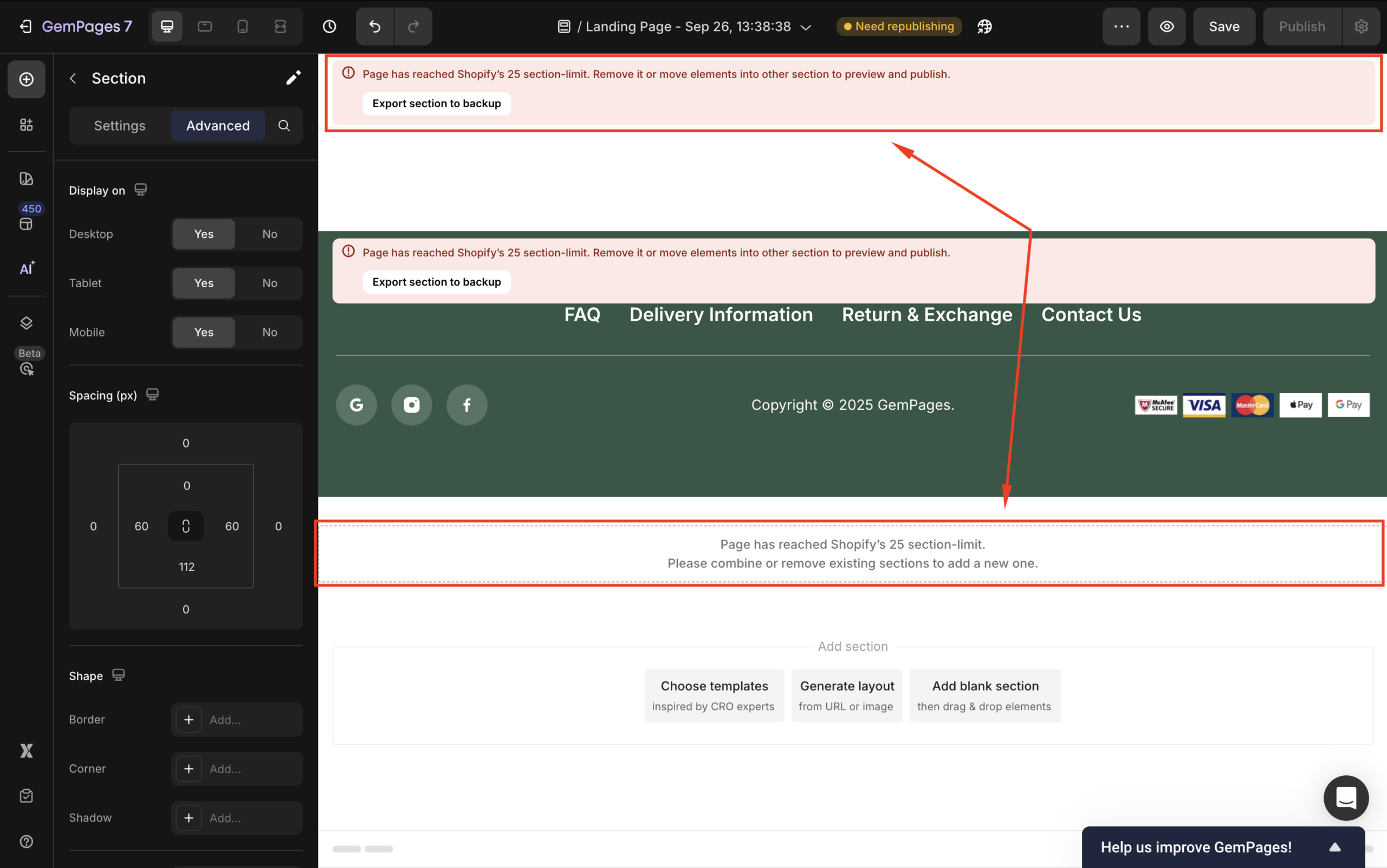
If you attempt to add more than 25 sections, you will encounter an error message indicating that you’ve exceeded Shopify’s section limit.
To maximize your use of sections with GemPages, explore these articles:
FAQs about Section
1. How do I rearrange sections?
In the GemPages v7 Editor, hover over the section you want to move. Hold the drag handle next to it, then move the section up or down. Release to apply the new position and click Save.
2. Can I rename a section?
Yes. Select the section in the left panel and click the pen icon next to the section name to rename it.
3. What’s the difference between a section and a block?
A section is a full-width content group on your page, while blocks are the smaller elements inside a section (such as text, images, or buttons). Some sections may not include customizable blocks, depending on their design.
4. Can I move a section from one page to another?
Yes. In the GemPages Editor, select the section you want to move, then use the Copy option. Go to the target page, paste the copied section into the Editor, and adjust its position as needed. After confirming the section appears correctly on the new page, you can remove it from the original page if necessary.
You can also use GemPages Theme Sections feature to reuse the same section across multiple pages in your store. Any changes you make to that section will be reflected everywhere it’s used, helping you maintain consistency and save time. For detailed instructions, please refer to the GemPages Theme Section & FAQs.
5. How do I add a section to a product page?
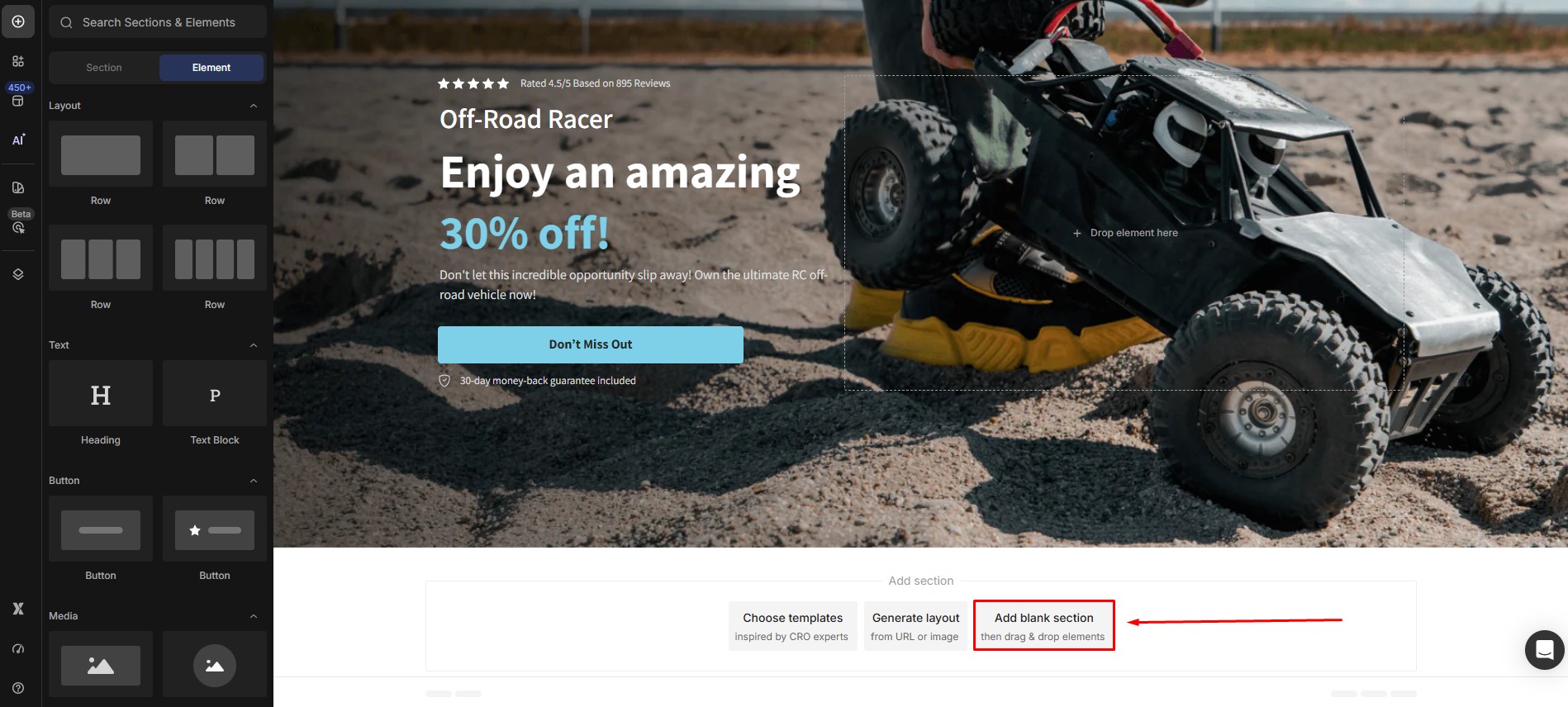
In the GemPages editor, open your product page, then click Add blank section. You can choose a pre-designed section or create one from scratch, then customize it to fit your layout.


Thank you for your comments