


This article shows you how to add a strikethrough effect to specific text inside the Item List element in GemPages.
Step 1: Highlight the Text You Want to Strikethrough
- Open the GemPages editor.
- Click on the Item List element.
- Highlight the text you want to apply the strikethrough effect to.
- In the inline editor toolbar, choose a random text color first
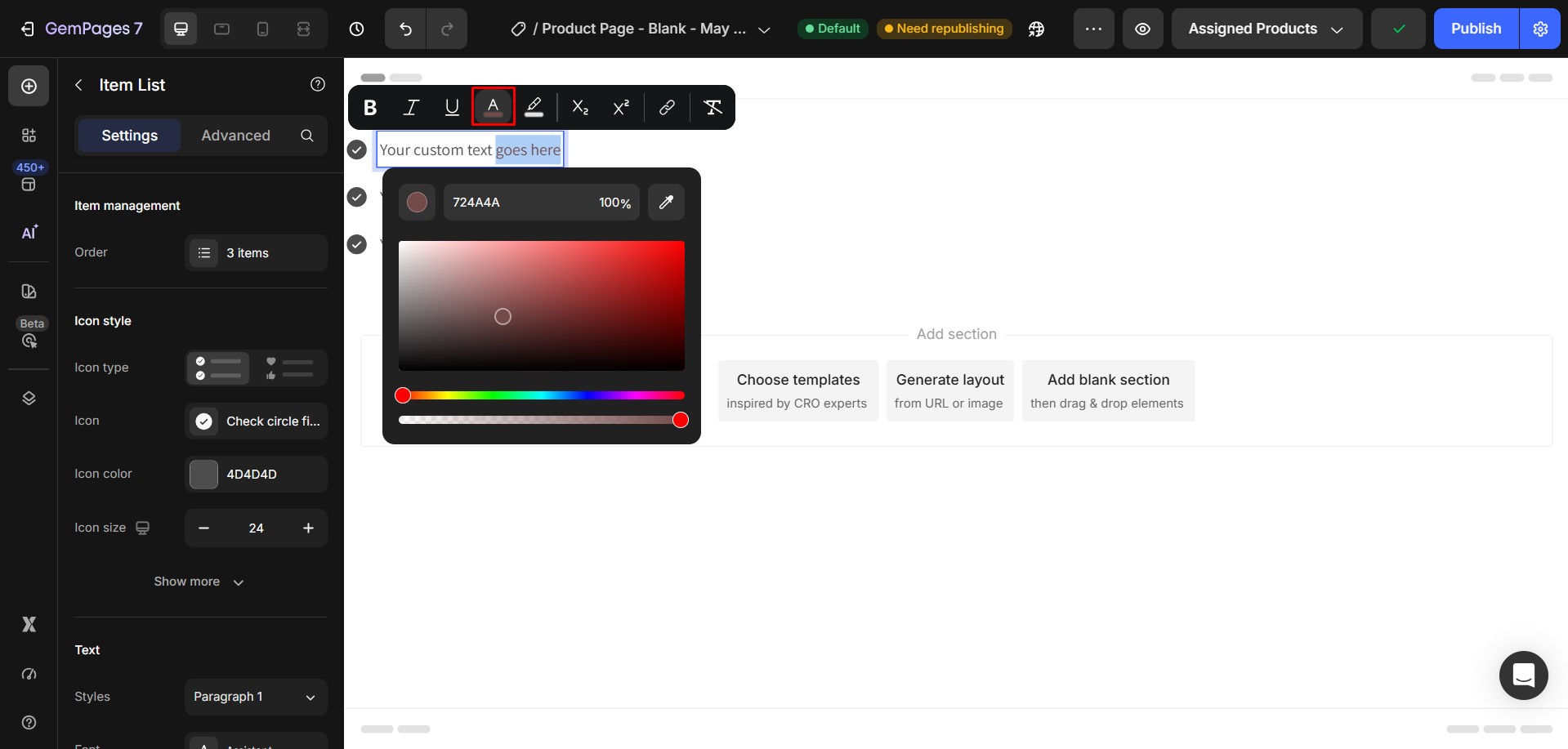
- Then immediately change it back to the original color
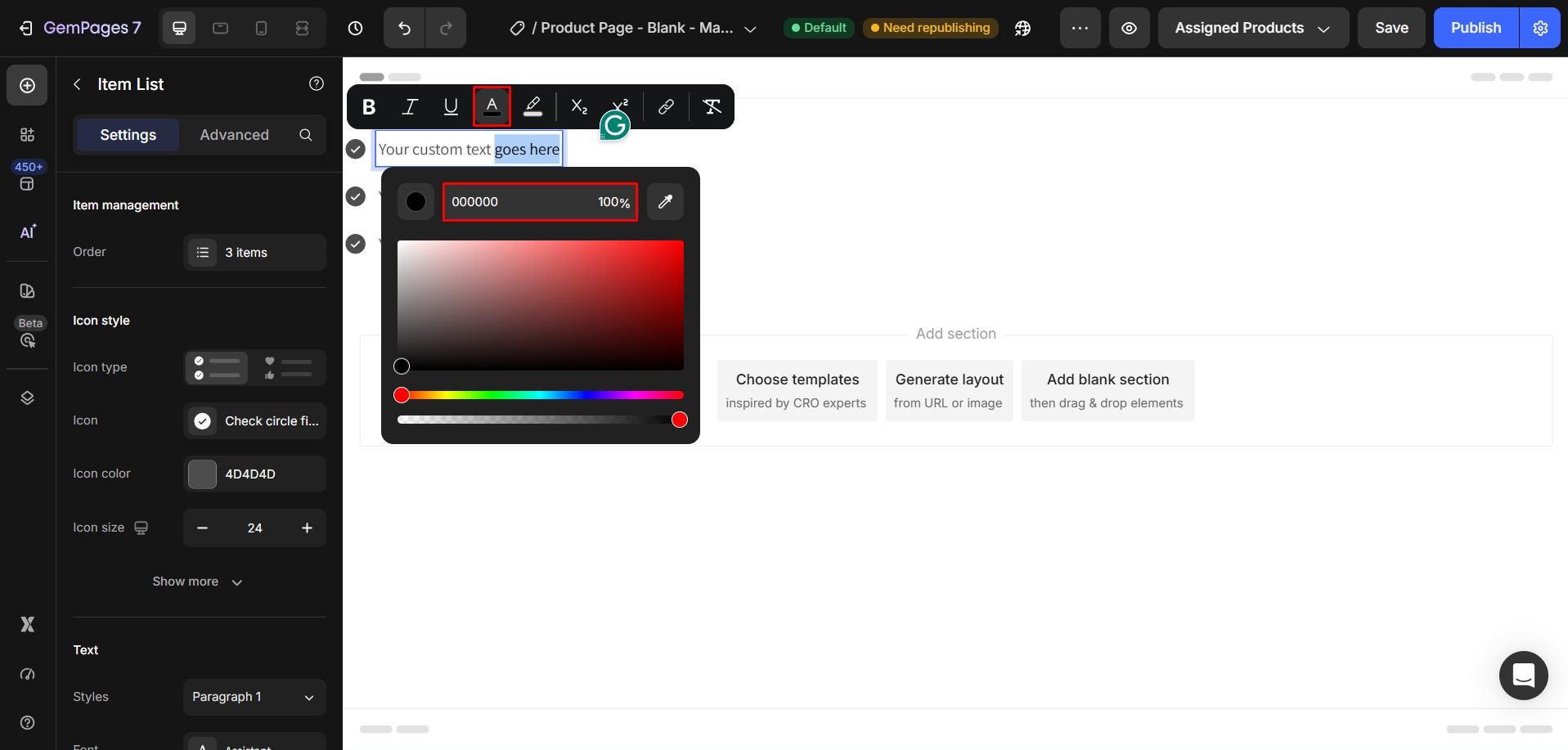
This step is important because it creates a span element around the selected text.
Without this step, the CSS will not know which text to target.
Step 2: Open the Custom Code Area
- Right-click the Item List element.
- Select Custom Code.
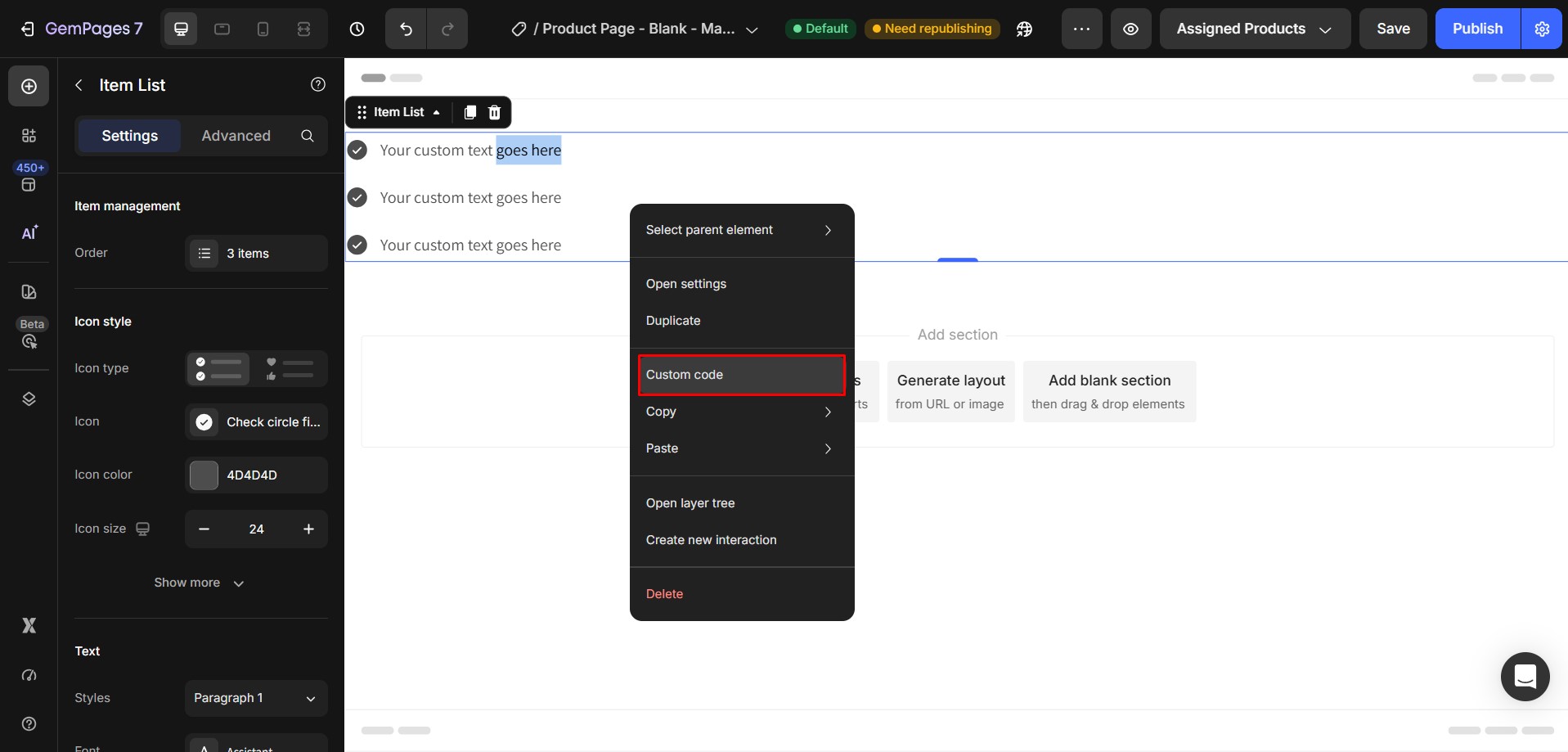
This opens the custom code editor for the element.
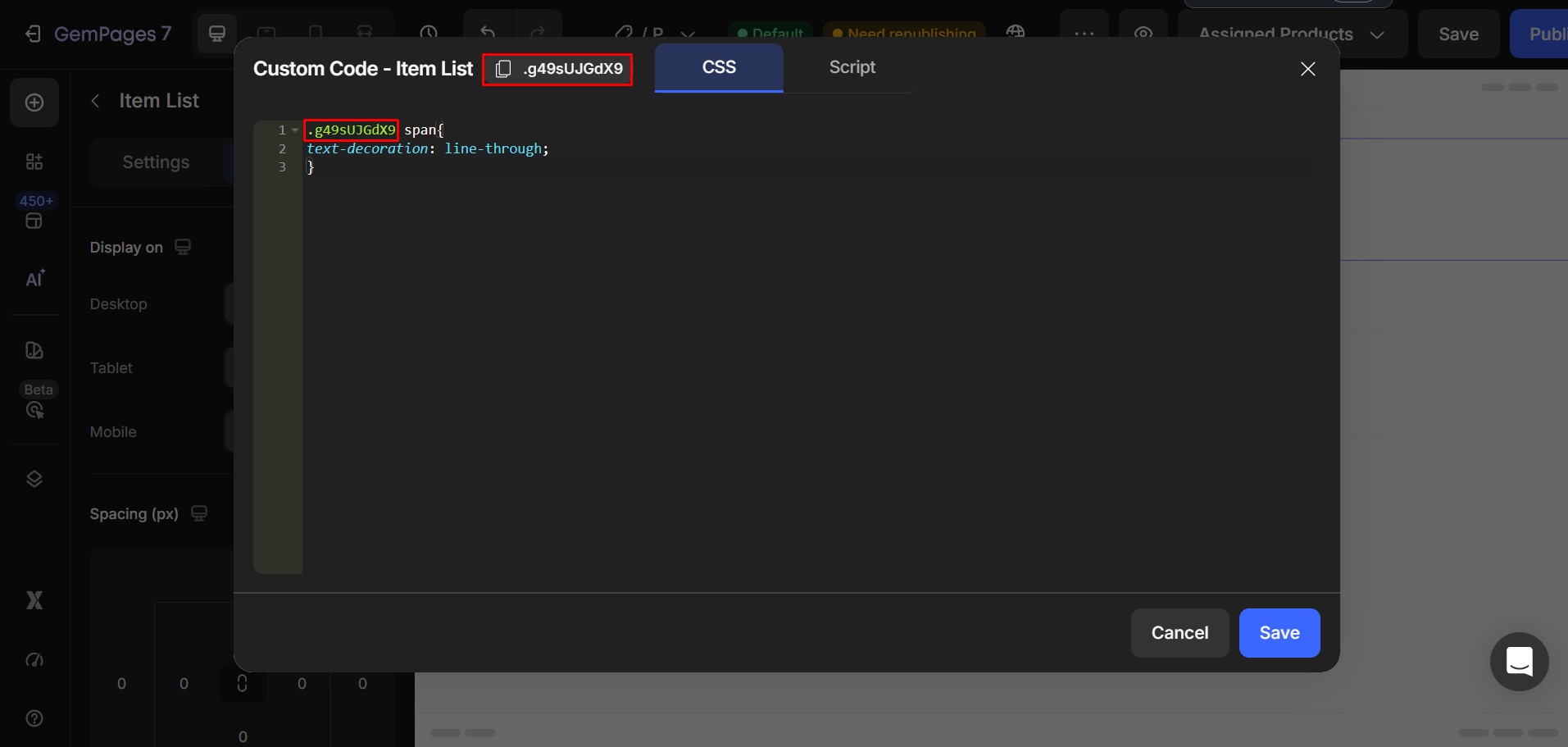
Step 3: Paste the CSS Code
Paste the following code into the Custom Code area:
.ElementClass span{

text-decoration: line-through;

}
Then replace:
.ElementClass
with your actual element class.
Result:
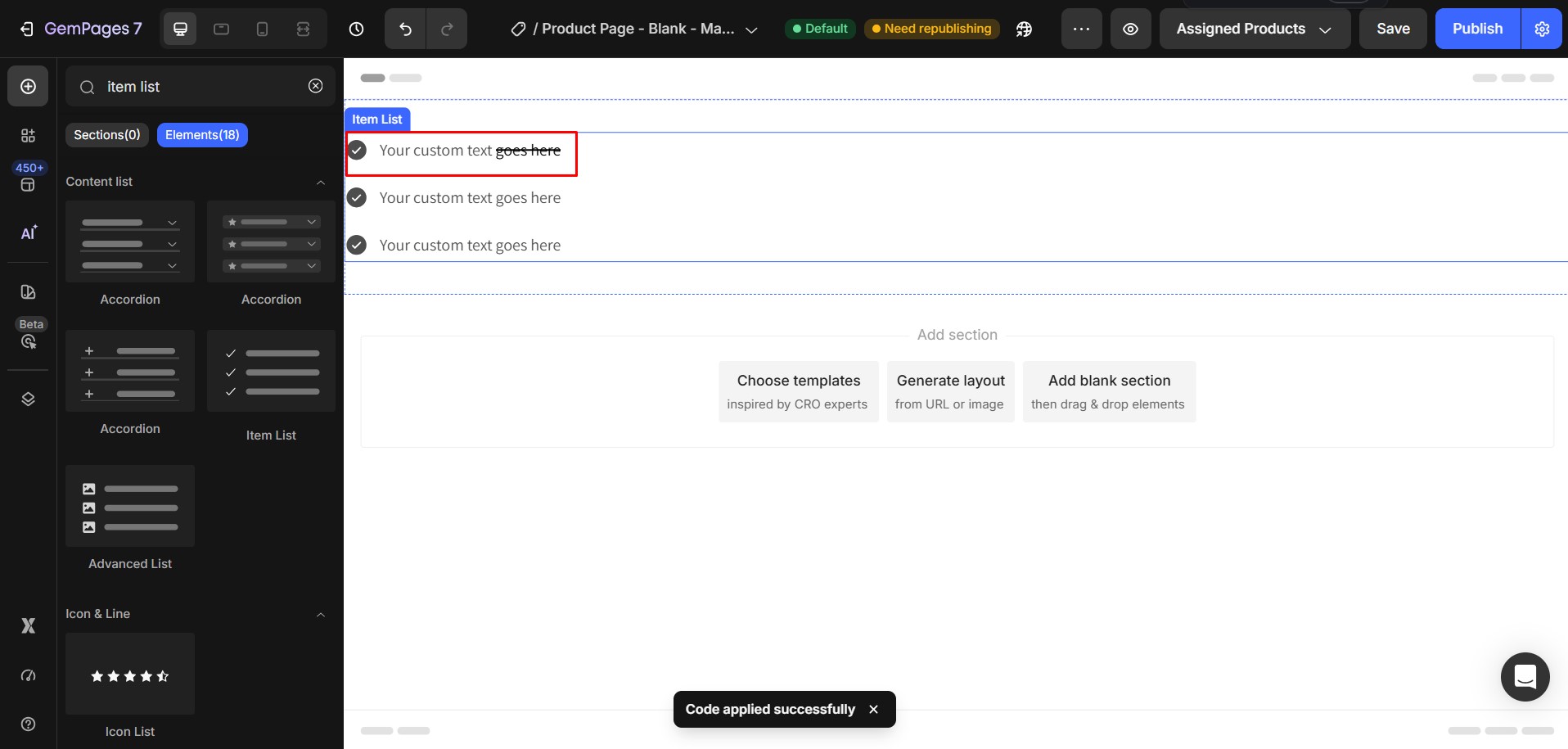
More detailed instruction: https://www.loom.com/share/87313ff3e76a47858e7ebdffee4006d6?sid=e4c891d8-e385-431b-869d-a515a43b1734


Thank you for your comments