


This article will show you how to change the placeholder text color for the Email and Text Field elements in GemPages using custom CSS.
Placeholder text is the light text displayed inside a field before customers type anything, such as:
- “Enter your email”
- “Your name”
- “Phone number”
Customizing the placeholder color can help your form match your store branding and improve the overall design consistency of your page.
Step 1: Open the Element Settings
First, open the page editor in GemPages.
Then:
- Hover over the Email or Text Field element you want to customize
- Right-click the element
- Select Custom Code
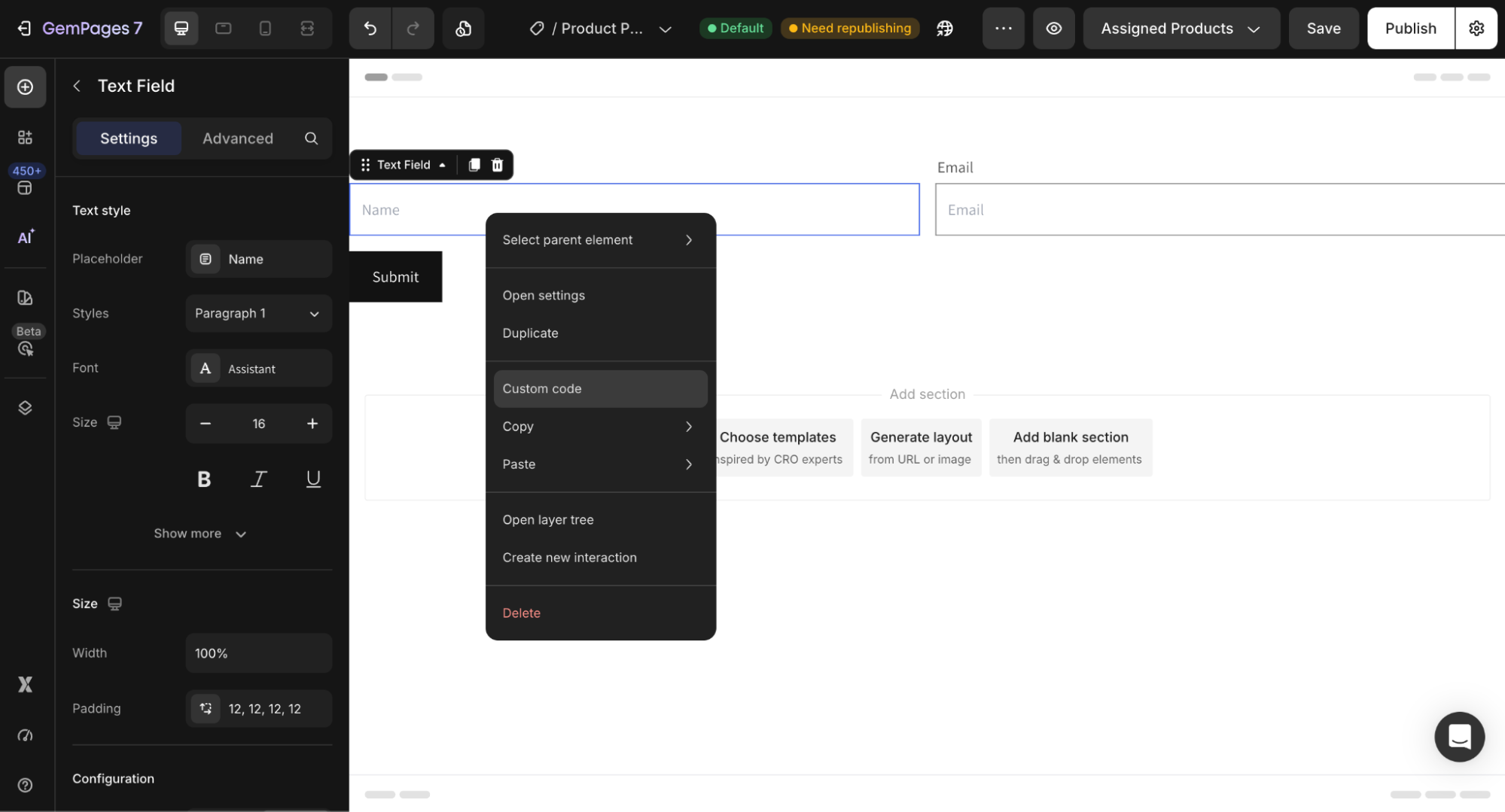 This allows you to add custom CSS specifically for that element.
Step 2: Add the Placeholder Color Code
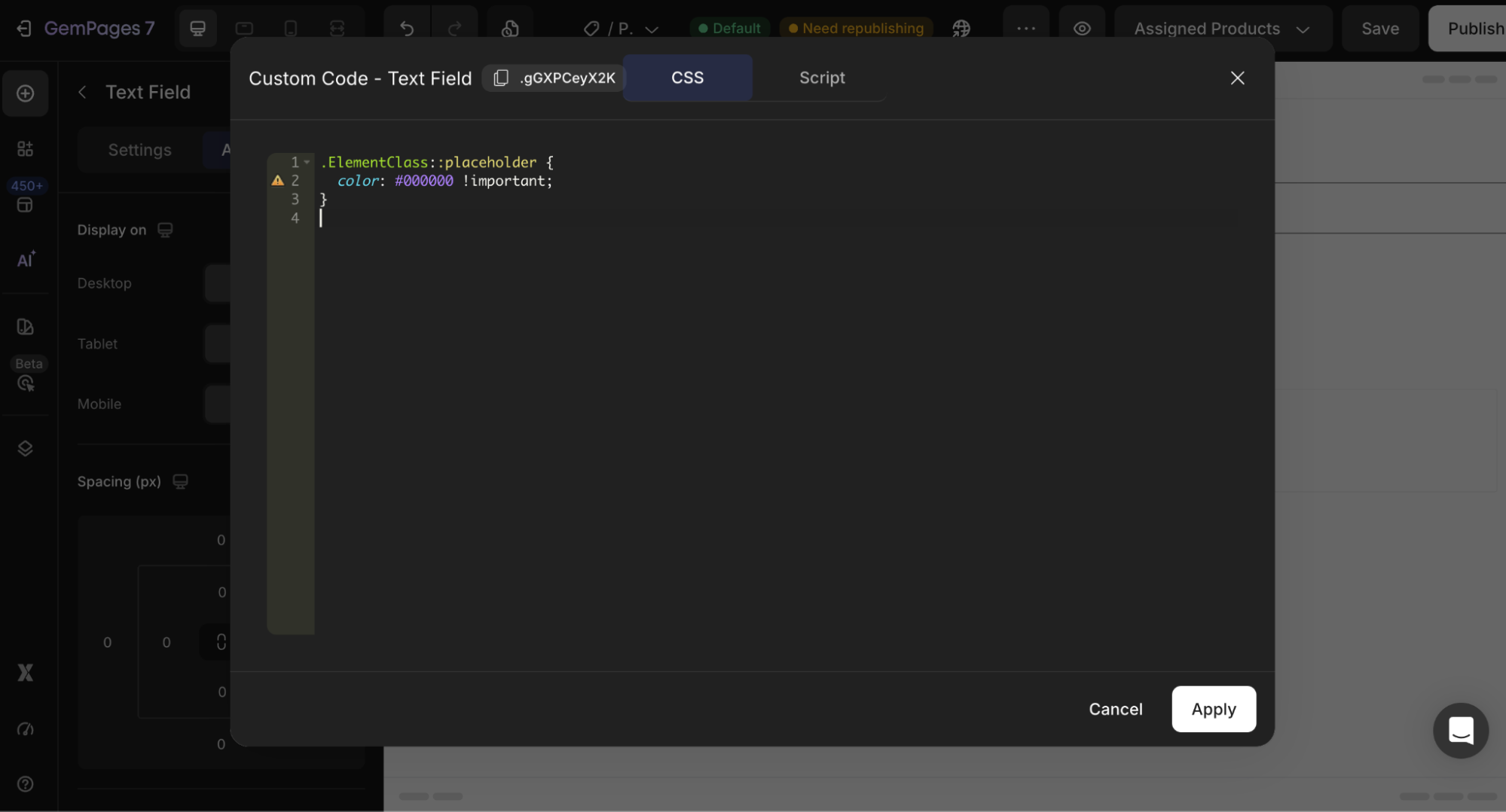
Paste the following code into the custom code section:
.ElementClass::placeholder {

  color: #000000 !important;

}
Step 3: Replace the Color Value
Replace #000000 with your preferred color.
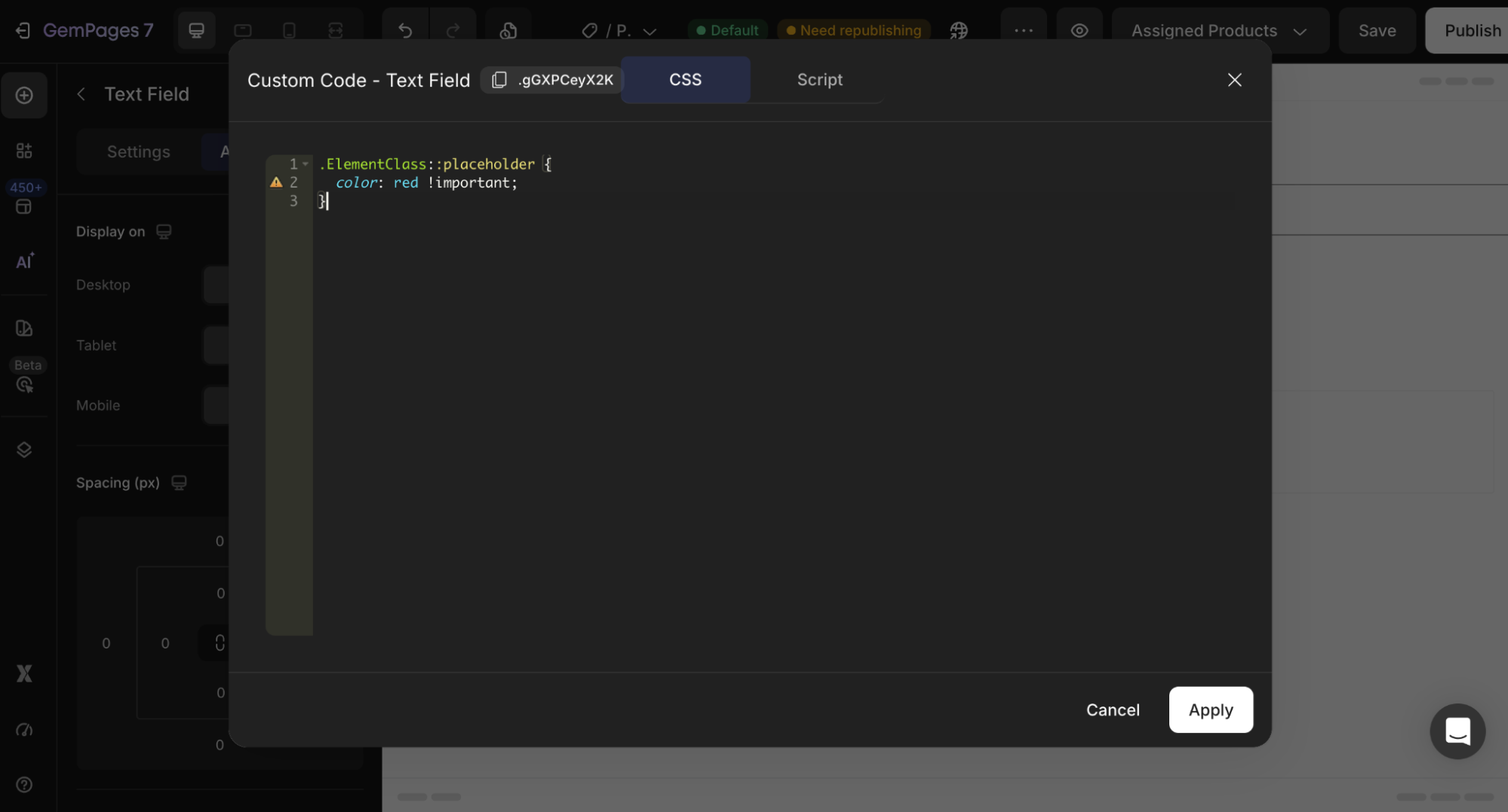
You can use:
- A color name
- A HEX color code
- RGB values
Here are some popular websites where you can find color names and HEX codes:
- Color Picker — https://htmlcolorcodes.com/
- Coolors — https://coolors.co/
- Adobe Color — https://color.adobe.com/
- CSS Gradient — https://cssgradient.io/


Thank you for your comments