


Note: For optimal functionality, please upgrade to version 7 of GemPages.
About wetracked.io Connect
wetracked.io Connect creates a secure link between your Shopify store and the wetracked.io tracking platform. Once installed, it automatically synchronizes essential store data required for tracking conversions without changing code, editing your storefront, or affecting the customer experience.
The app’s sole purpose is to authenticate your store and maintain a reliable data connection. It does not modify your theme, pages, or content.
Key Features of wetracked.io Connect
Here are some key features of this app:
- Secure authentication between Shopify and wetracked.io
- Automatic syncing for conversion tracking
- No coding or manual setup required
- Does not alter storefront elements or performance
- Provides a stable and consistent data link
How to Install & Set Up wetracked.io Connect
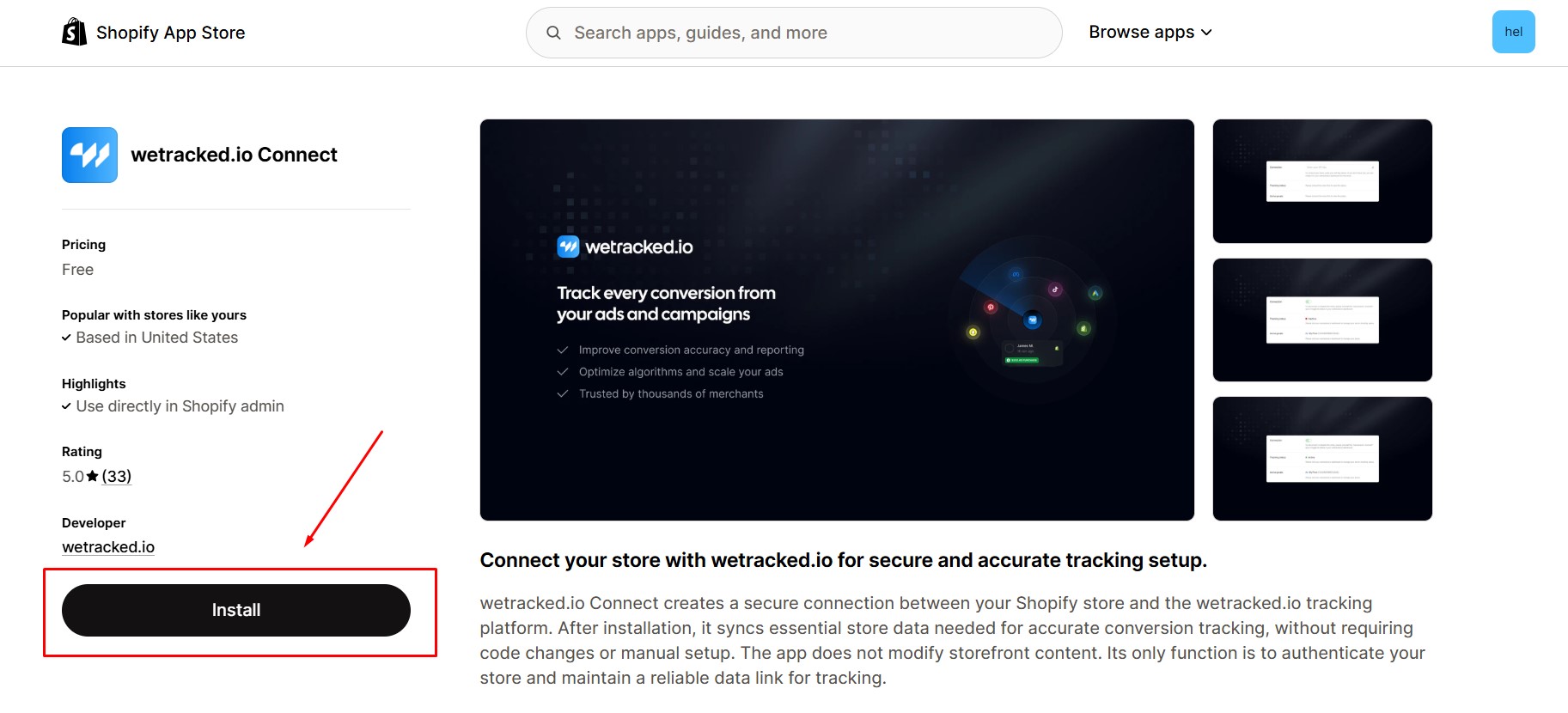
Step 1: Install wetracked.io Connect in the Shopify App Store.
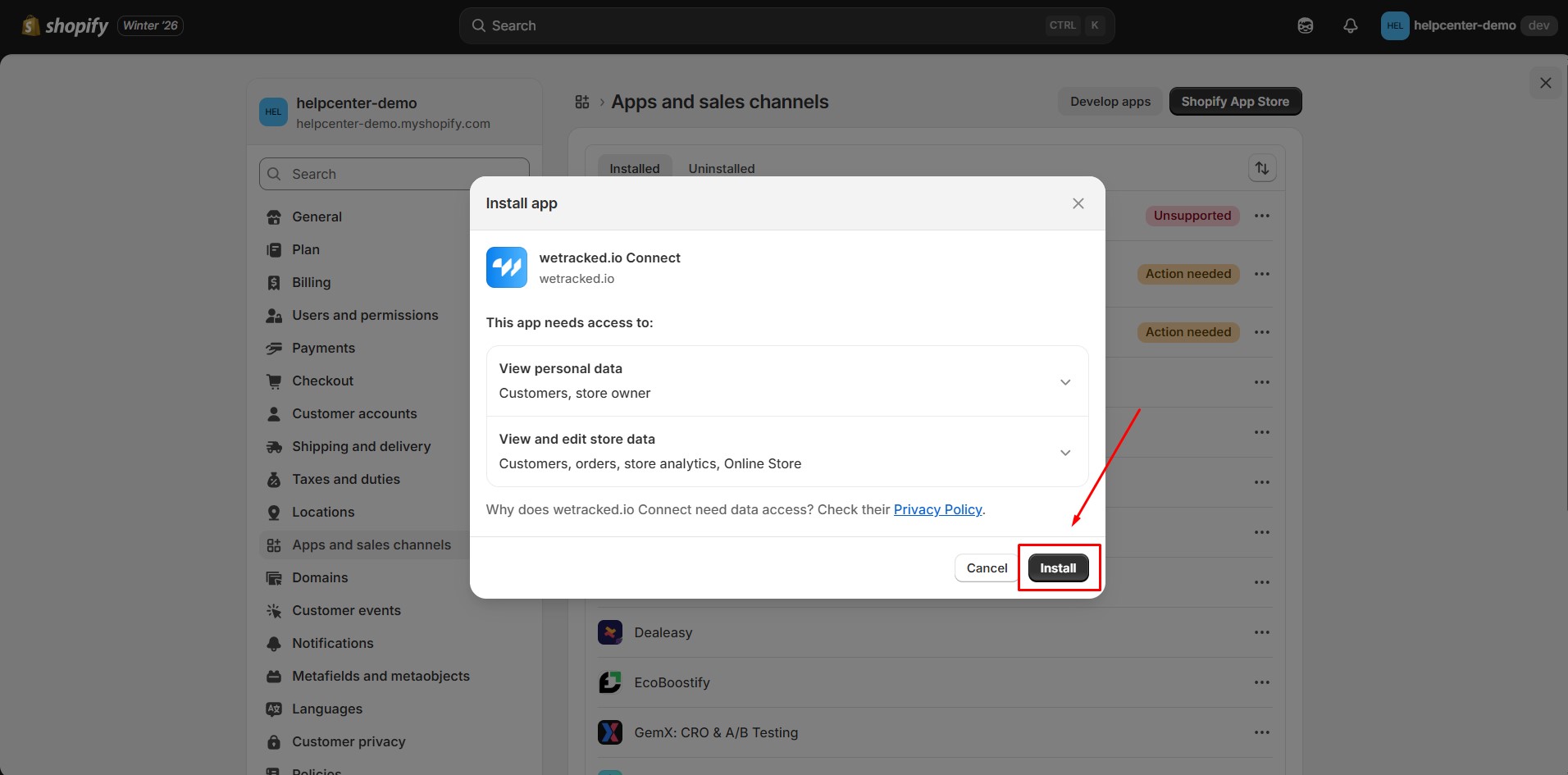
Step 2: Provide the app with access to the required data.
Step 3: The app will ask you to enter your API key. If you already have one, paste it into the field provided. If you are new and do not yet have an API key, click Create one here.
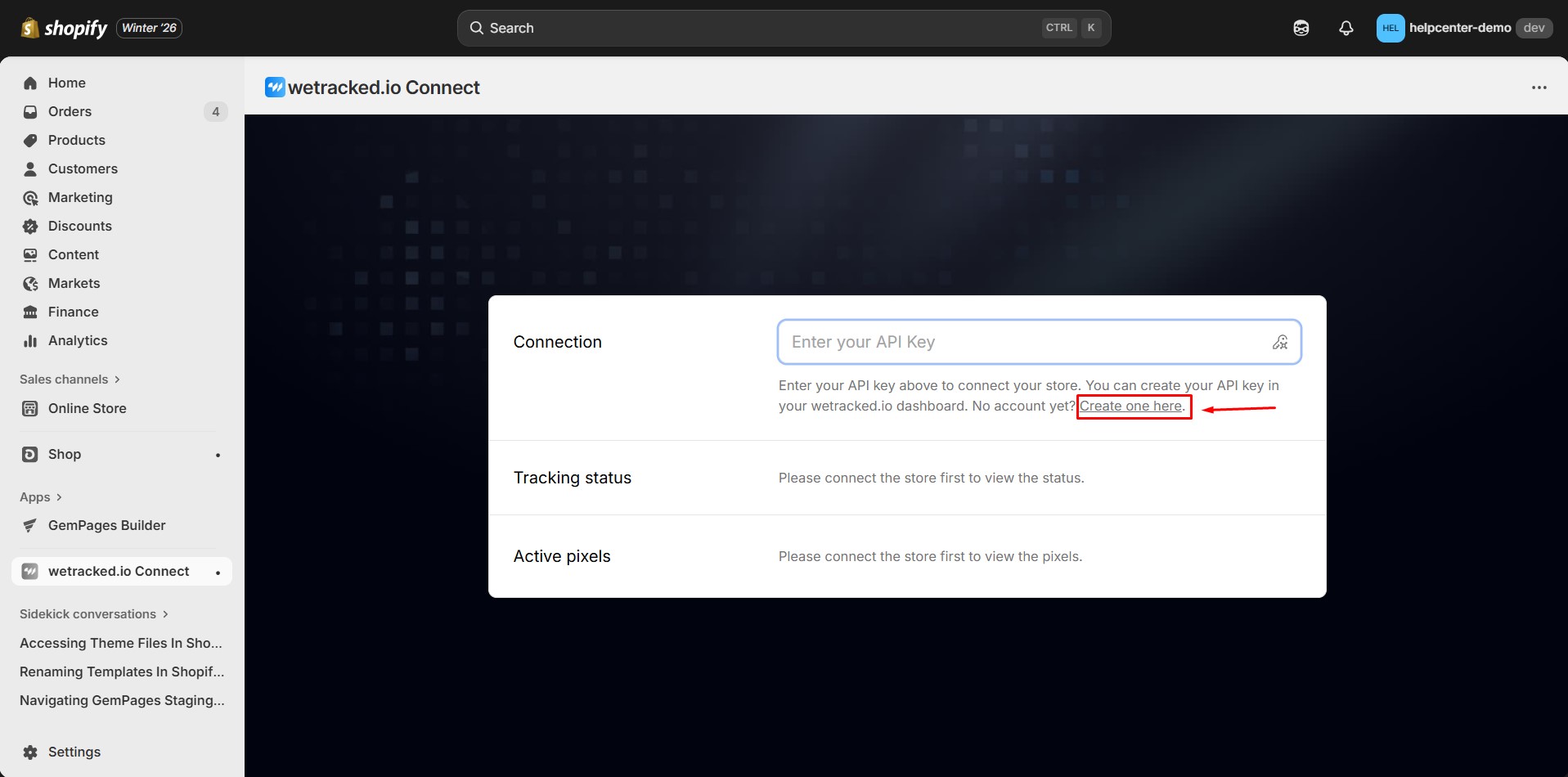
You will be redirected to wetracked.io to complete registration if needed.
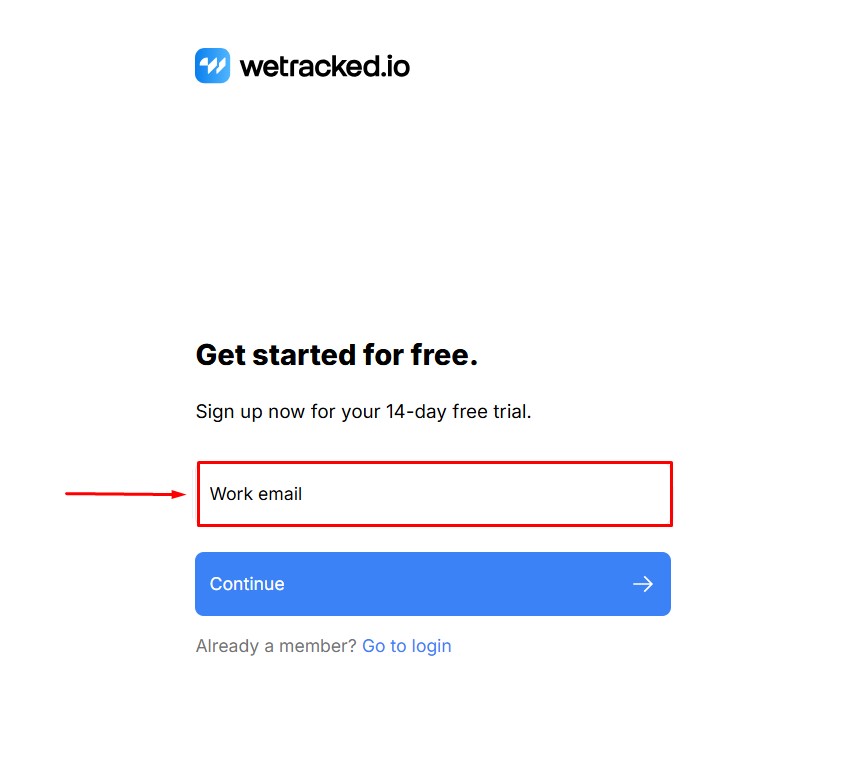
Step 4: Enter your email address and select Continue. Follow the on-screen prompts to finish creating your account.
Step 5: After registration, you will be redirected to your wetracked.io dashboard.
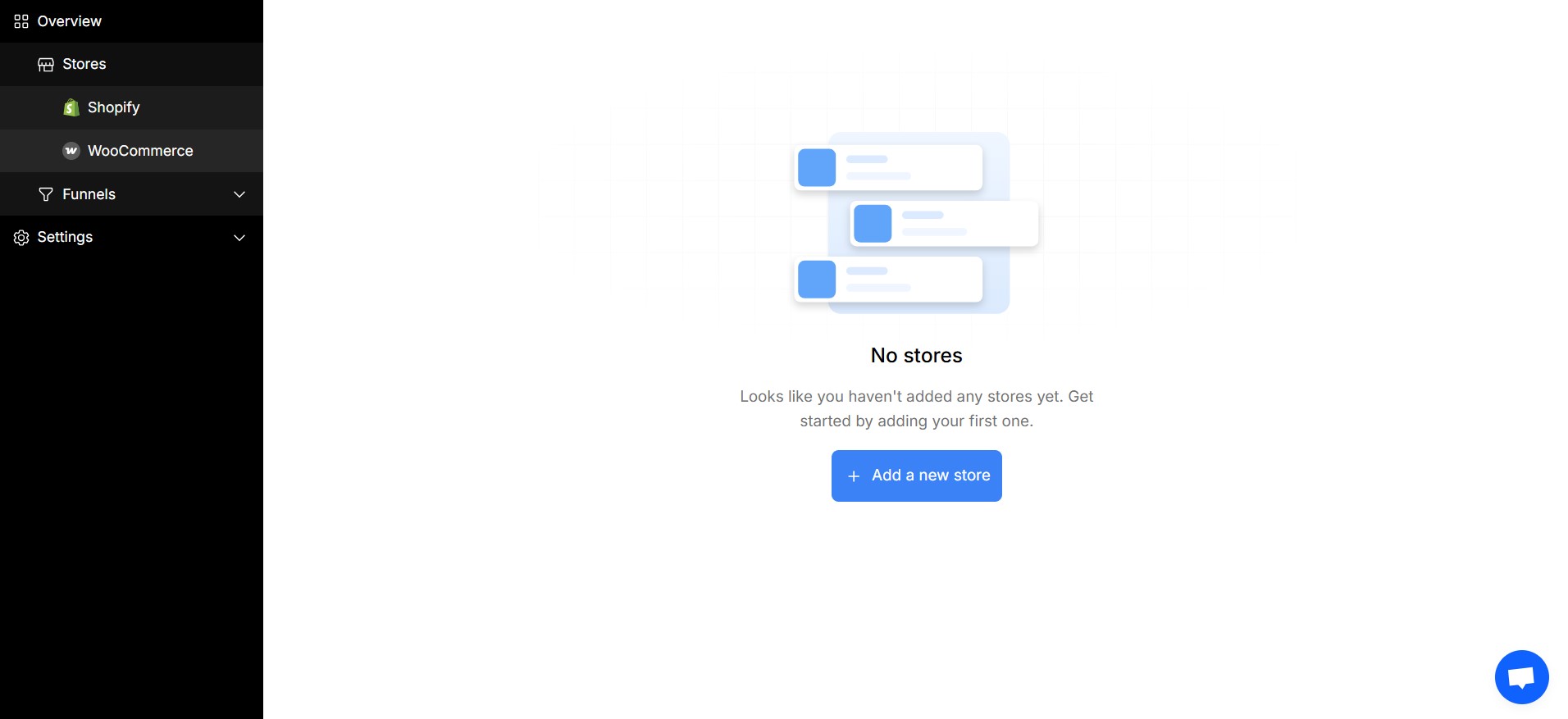
Start Using wetracked.io with Shopify
To begin tracking conversions, you will need to finish integrating wetracked.io with Shopify.
For detailed setup instructions, please refer to the official guide: How to get started with wetracked.io for Shopify stores.


Thank you for your comments