


About Appstle Loyalty Reward Program
Appstle Loyalty Program and Rewards helps you build customer loyalty using points, rewards, referrals, VIP tiers, and store credits.
The app is Built for Shopify and integrates with Shopify POS and other Appstle tools. It supports multiple languages and currencies, allowing you to run loyalty campaigns globally. With features such as cart and checkout redemption and gamified rewards, it helps increase customer engagement, retention, and customer lifetime value (CLTV).
Key Features of Appstle Loyalty Reward Program
Appstle Loyalty Reward Program includes powerful tools to help you grow repeat purchases and customer engagement:
- Flexible loyalty programs using points, referrals, and store credits
- Customizable loyalty campaigns supporting multiple languages and currencies
- Points redemption directly in cart and checkout
- Integration with Appstle Membership for VIP tiers and wholesale benefits
- Compatibility with POS, email marketing tools, upsell apps, and review platforms
- Dedicated loyalty pages for customers to track rewards and progress
How to Install & Set Up Appstle Loyalty Reward Program?
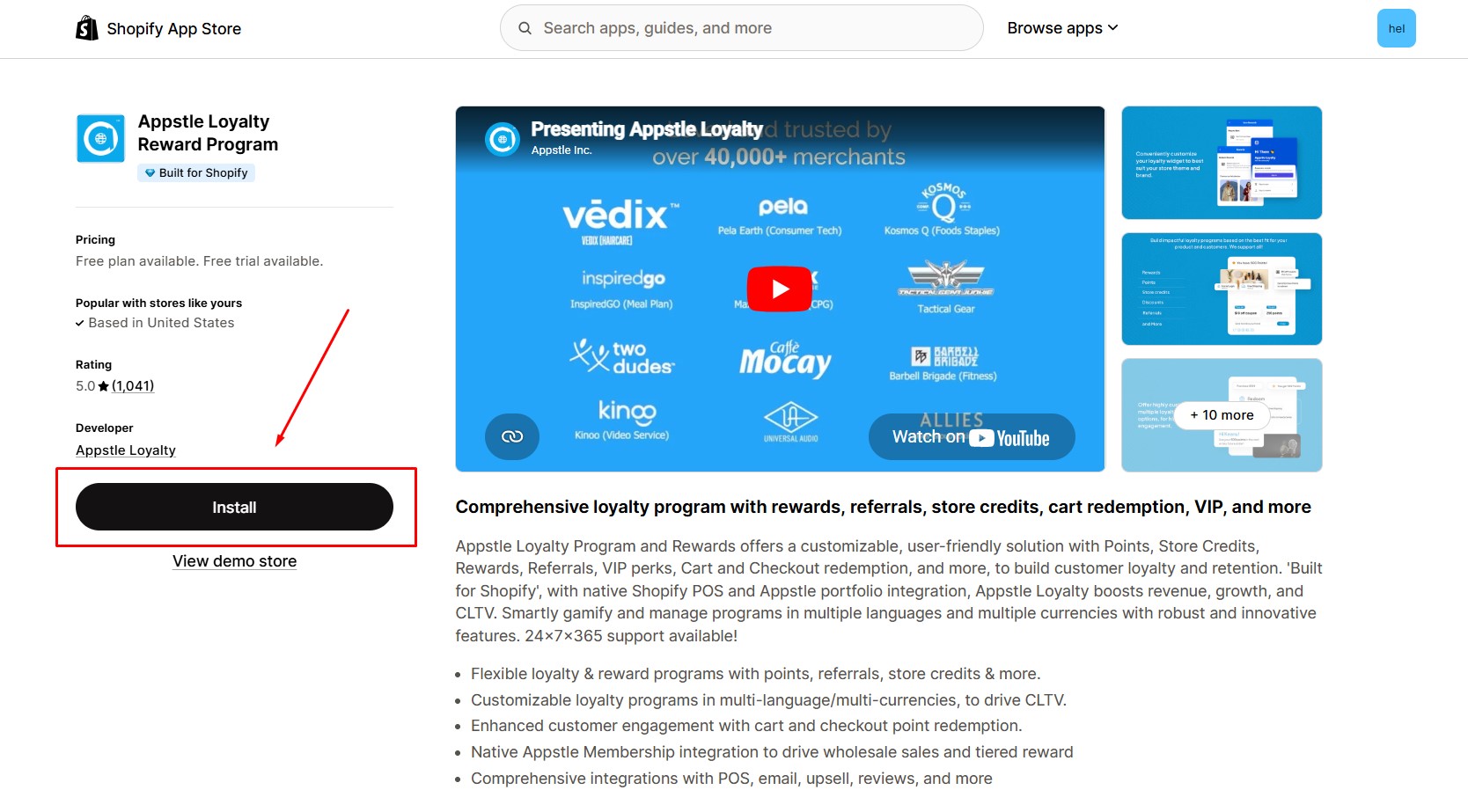
Step 1: Install Appstle Loyalty Reward Program in the Shopify App Store.
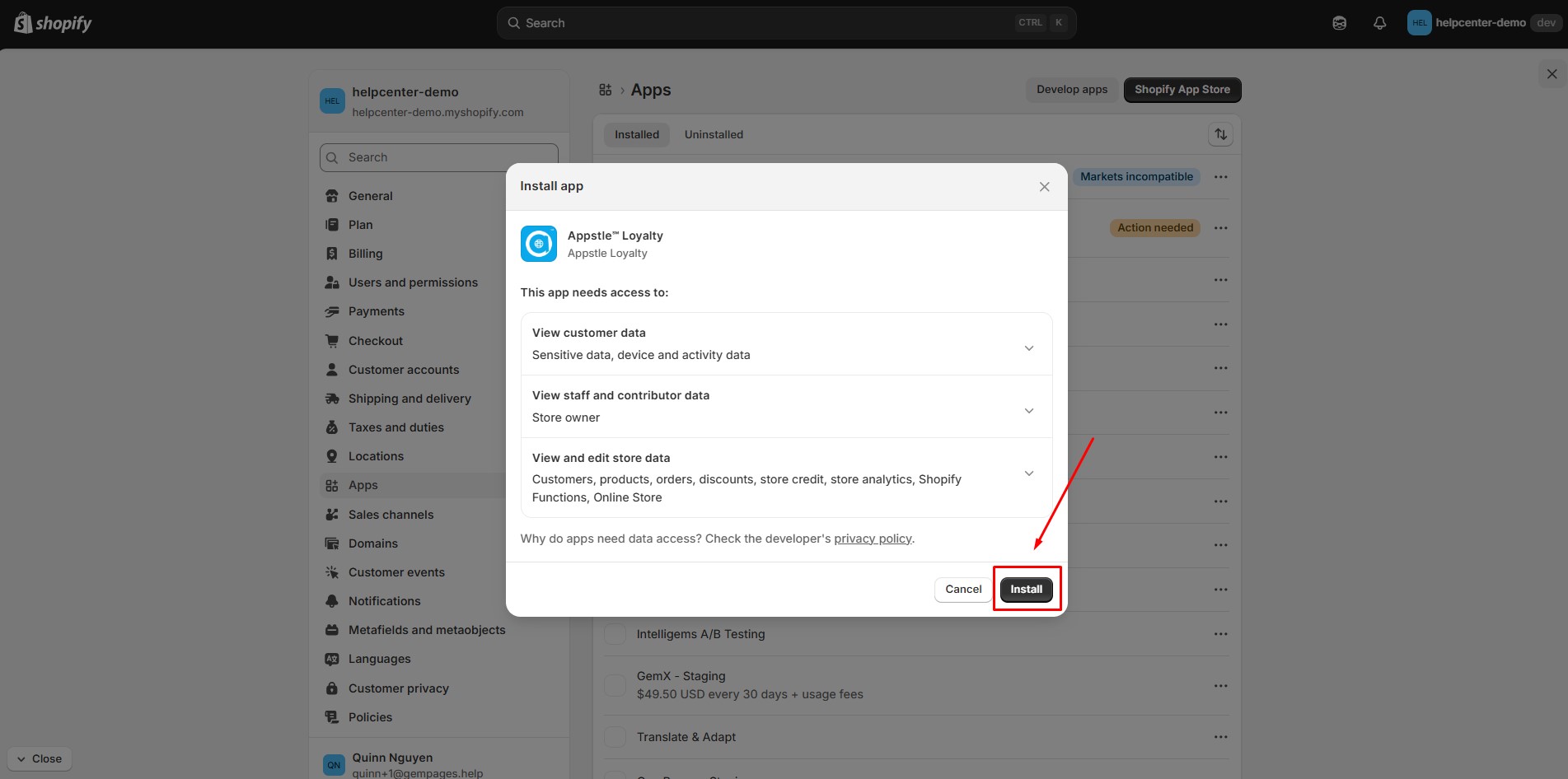
Step 2: Provide the app with access to the required data.
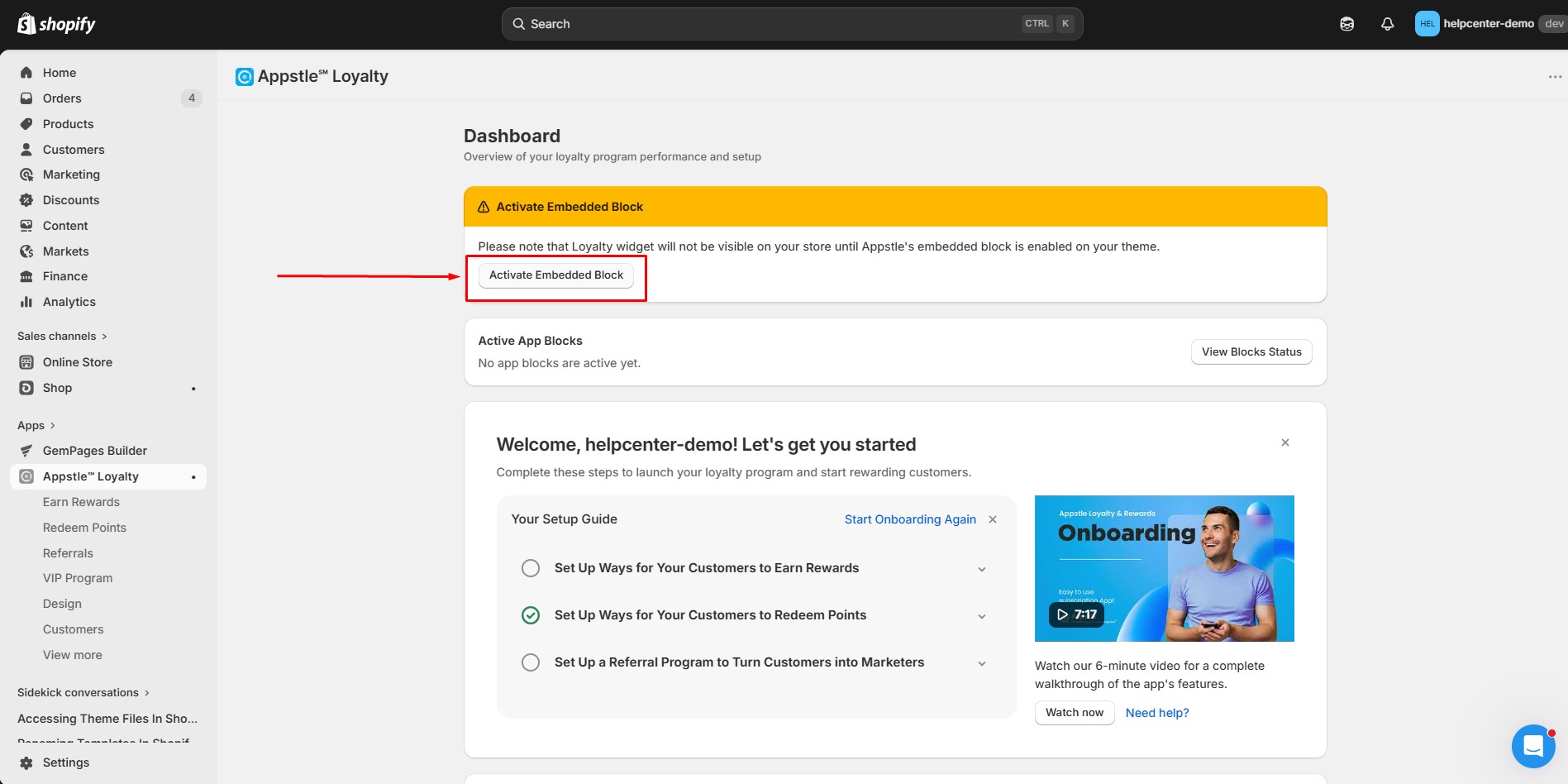
Step 3: The loyalty widgets will not appear on your storefront unless the embedded block is enabled. To enable:
- Click on Activate Embedded Block.
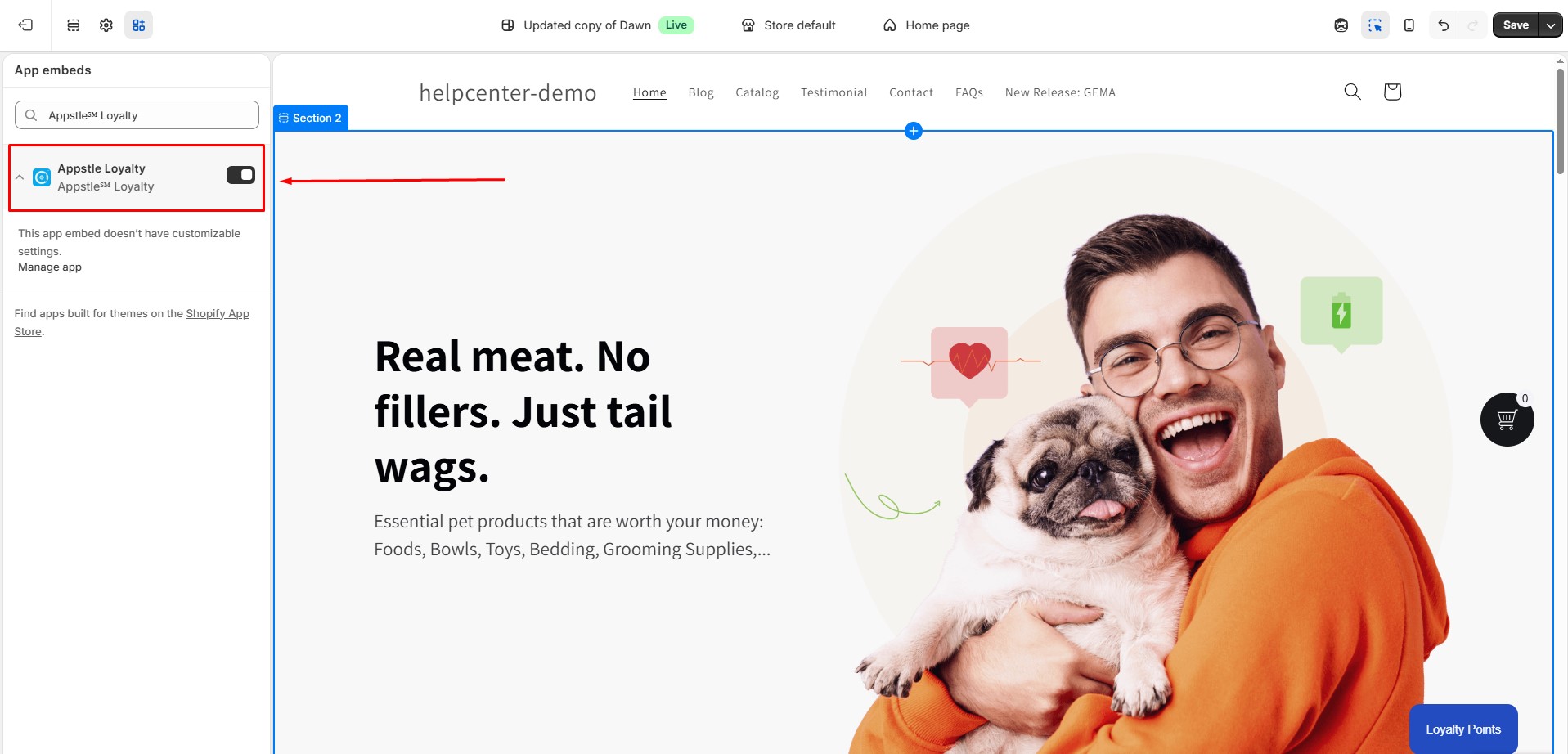
- Turn on Appstle Loyalty Embedded Block.
- Click Save.
How to Add Appstle Loyalty Reward Program to GemPages v7?
Appstle Loyalty provides 13 embedded blocks, each designed for different parts of the customer loyalty journey.
In GemPages, these widgets are added using the Custom Code element.
This guide focuses on the most commonly used widgets:
- Loyalty Dedicated Page
- Points Display on Product
- Points Display on Collection
Follow these steps before adding any specific widget.
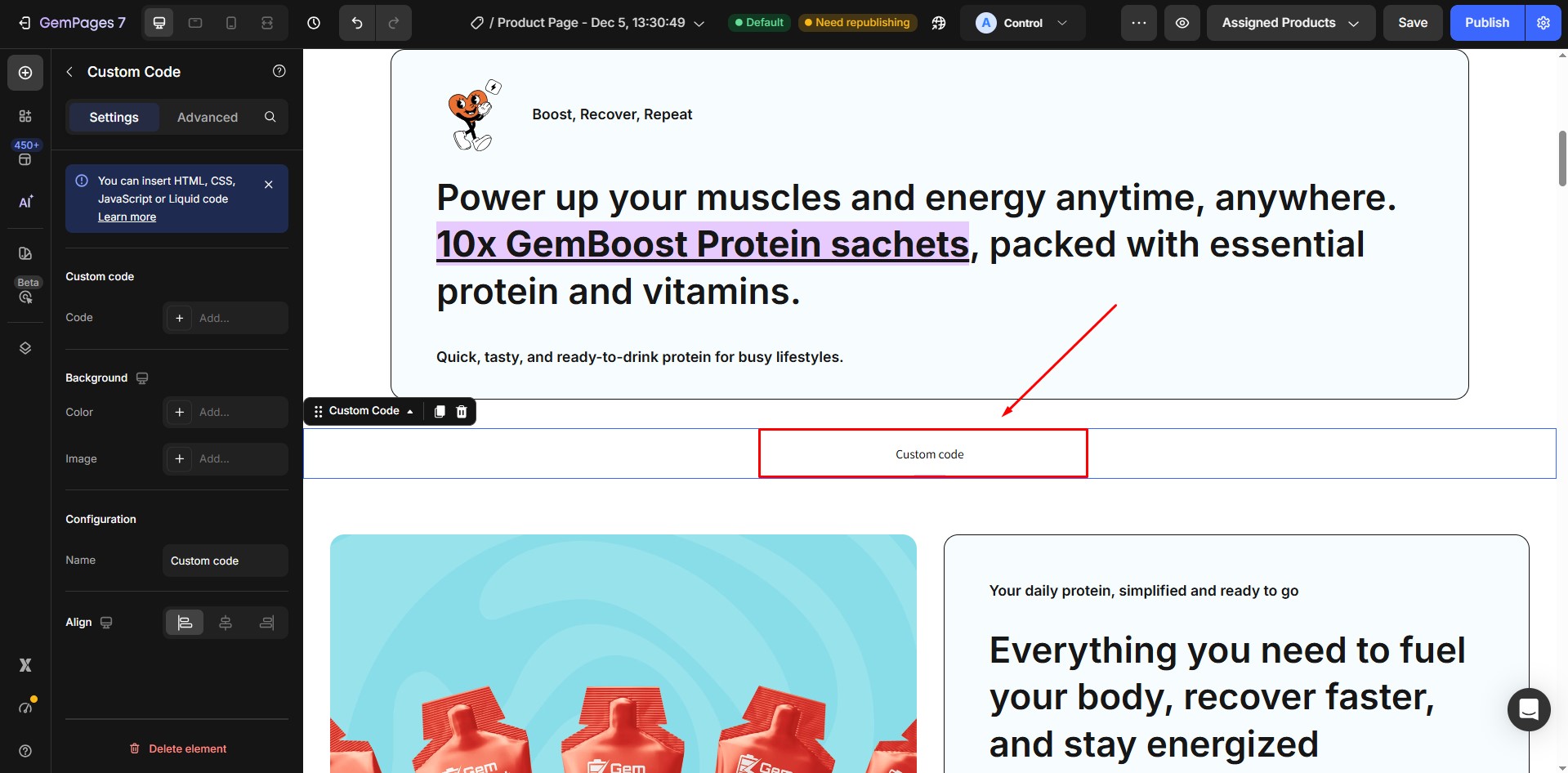
Step 1: Go to GemPages Dashboard. Open the page where you want to add the loyalty widget. Click Edit to open the GemPages Editor.
Drag the Custom Code element into the desired position on the page.
Step 2: Copy the correct code based on the widget type and paste it into the Custom Code element.
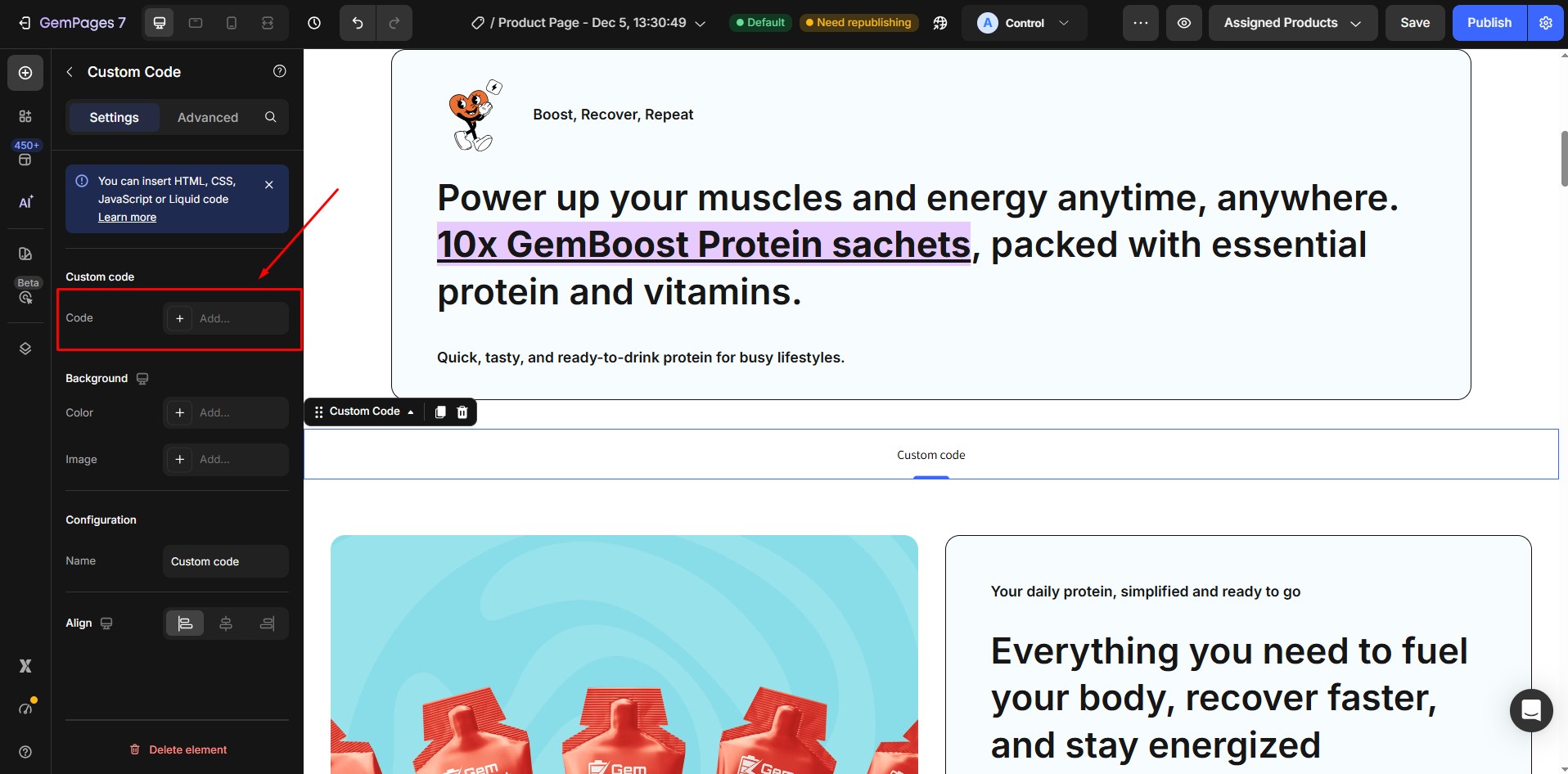
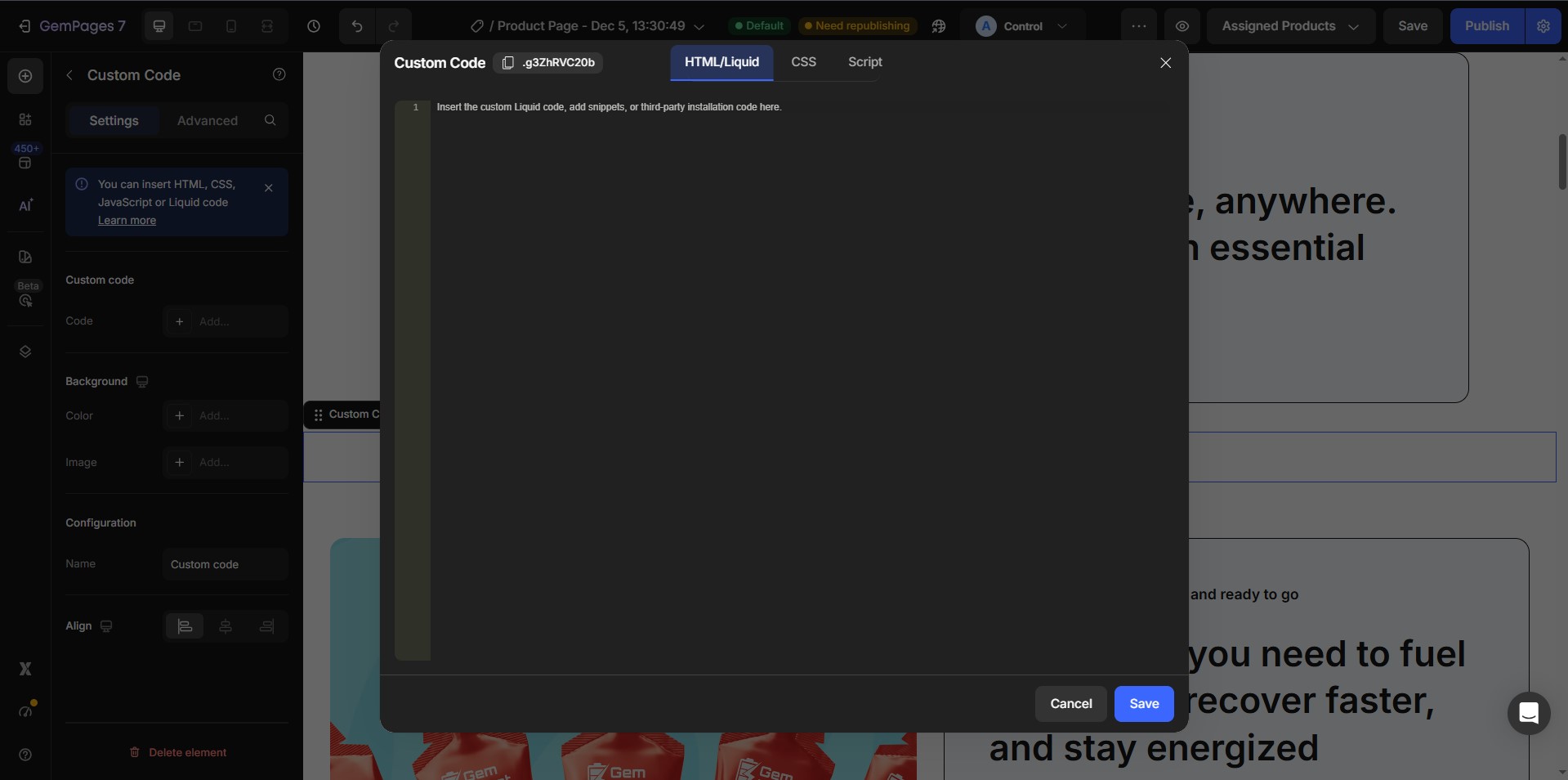
- Loyalty Dedicated Page:
Paste the following code:
<div class=”appstleLoyaltyPage”
data-appstle-loyalty=”APPSTLE_LOYALTY_PAGE”
id=”appstleLoyaltyPage”></div>
- Points Display on Product Page
Paste the following code:
<div class=”appstle-loyalty-acquire-points-block”
data-appstle-loyalty=”APPSTLE_LOYALTY_ACQUIRE_POINTS”
id=”appstle-loyalty-acquire-points-block”></div>
- Points Display on Collection Page
Paste the following code:
<div class=”appstle-loyalty-stand-alone-selector”
data-product-id=”{{product.id}}”
data-product-handle=”{{product.handle}}”
data-variant-id=”{{product.variants[0].id}}”
data-product-data=”{{product | json | escape}}”>
</div>
Step 3: Save and Publish.


Thank you for your comments