


What is Shopify Payments?
Shopify Payments is the integrated payment processor provided by Shopify. It allows store owners to accept payments without needing separate payment gateway setups.
Shopify Payments manages:
- Payment acceptance
- Payouts to your bank account
- Refunds and chargebacks
- Supported payment methods
Because it integrates directly with Shopify Checkout, it provides a smooth and trusted payment experience.
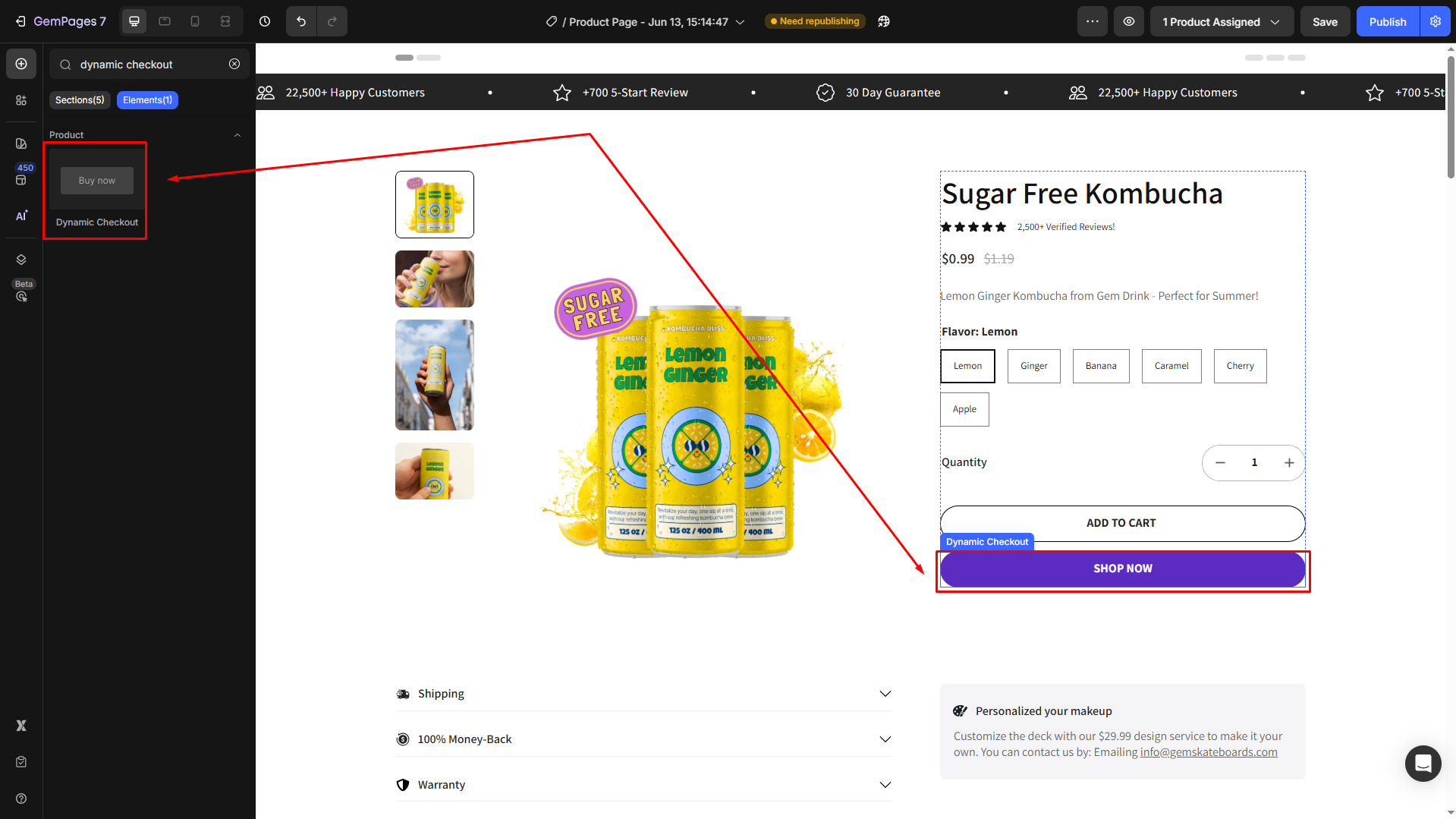
You might also find the Dynamic Checkout Button useful, which displays accelerated checkout options like Shop Pay and Apple Pay when they are available in your store: Dynamic Checkout Button Element.
Supported payment methods with Shopify Payments
Here are the payment methods Shopify Payments supports when activated:
Credit and debit cards
Shopify Payments accepts major card brands, including:
- Visa
- Mastercard
- American Express
- Discover
- Diner’s Club
- JCB
These card options are available whenever Shopify Payments is enabled.
Accelerated checkouts
Shopify Payments supports accelerated checkout methods that use stored customer information for faster checkout:
- Shop Pay – an accelerated checkout with saved payment & shipping info
- Apple Pay
- Google Pay
Local payment methods
Depending on your store’s region and the customer’s location, Shopify Payments can support local payment options such as:
- Bancontact
- iDEAL
- Other region-based methods
These payment options are determined dynamically based on the customer’s location at checkout.
Buy Now, Pay Later (BNPL)
Shopify Payments also supports Buy Now, Pay Later solutions in regions where they are available, including:
- Shop Pay Installments
- Klarna
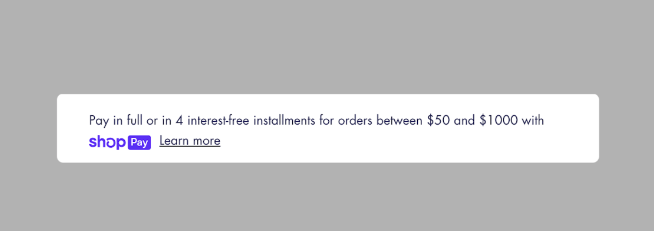
For merchants wanting to highlight Shop Pay Installments on product pages, GemPages offers guidance on displaying the Shop Pay Installments banner.
Shopify Payments availability
Shopify Payments is only available in select countries. Availability, supported methods, and verification requirements vary by region. Merchants should confirm eligibility in their Shopify admin before activating Shopify Payments.
If Shopify Payments is not available in your country, you can still accept payments using third-party payment gateways supported by Shopify.
For more information, please refer to Supported countries for Shopify Payments.
How to Display Payments Options with GemPages
GemPages does not process payments, but it can help merchants optimize the pre-checkout experience so customers are prepared to complete payment via Shopify Payments.
One effective design tactic is to display the payment method icons (Visa, Mastercard, Shop Pay, Apple Pay, etc.) near your call-to-action buttons. This helps build trust and reduces hesitation. GemPages has a dedicated guide on adding payment icons right under the add-to-cart button.
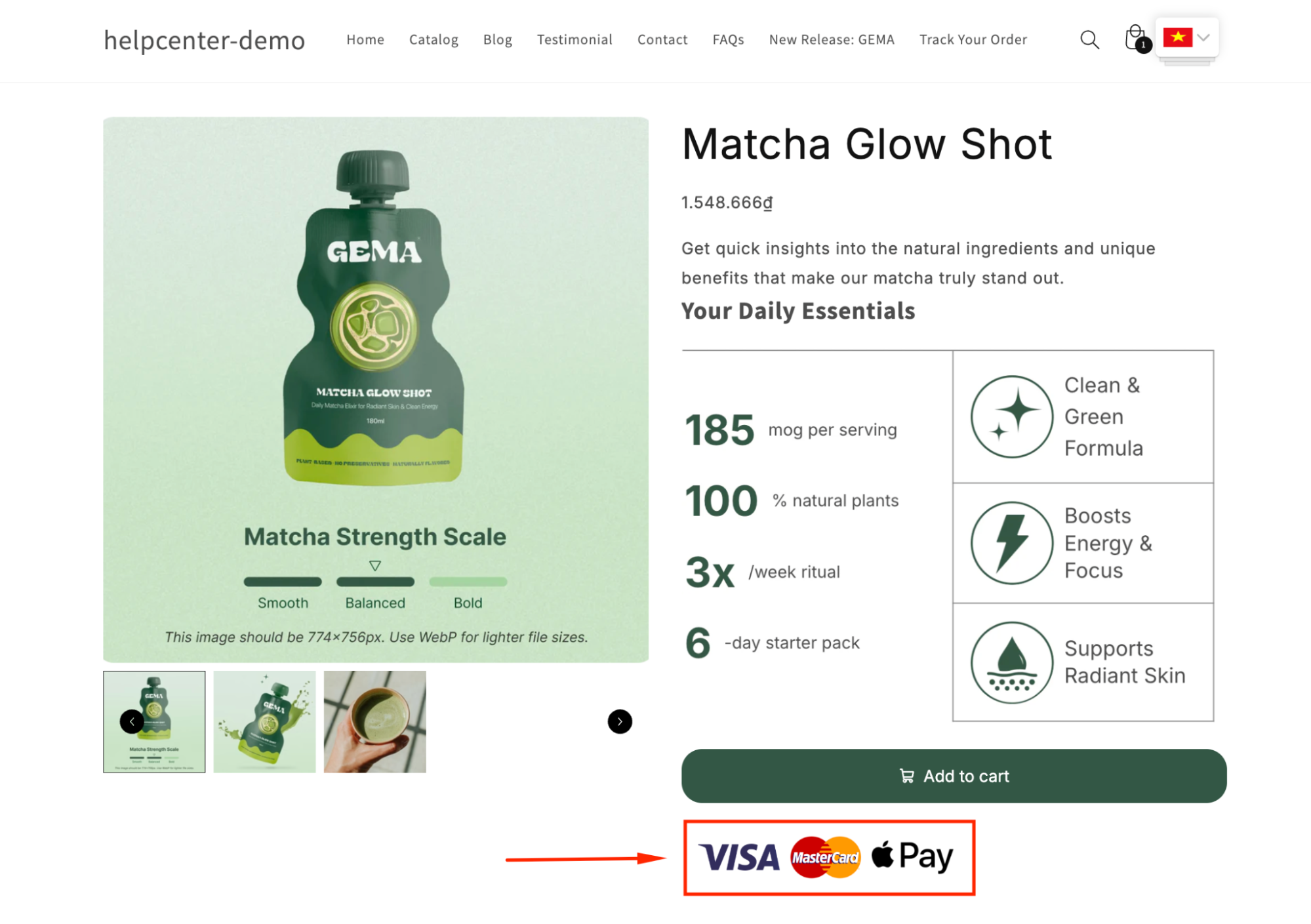
This visual reassurance works well when customers arrive at the cart or product page.


Thank you for your comments